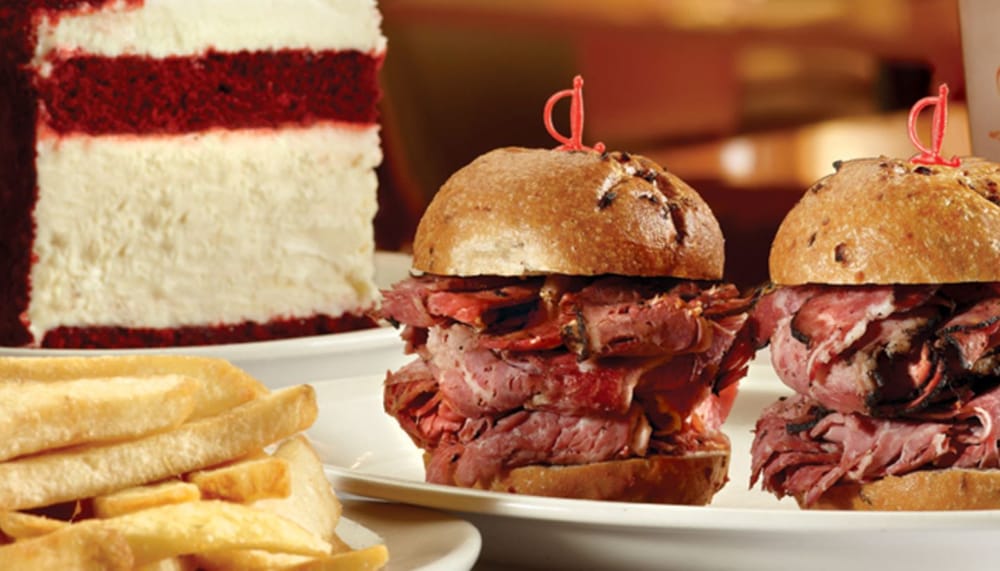

Appetizers
Appetizers
Lunch Combinations
Griddle Cakes & French Toast
Soups
Old World Favorites
Most Fabulous Chef's Specialties Lunch
Takeout Breakfast Specials
Omelettes
Seafood Entrées Lunch
Bagel & Lox
Two Eggs
Salads
Beverages
Our Famous Barbecue Lunch
Side Orders
Omelettes (Copy)
Delicatessen Sandwiches
Traditional Sandwiches
Yogurt, Grains & Fruit (Copy)
Sensational Sandwiches
Toast, Rolls & Danish (Copy)
Most Fabulous Chef's Specialties
Seafood Entrées
Our Famous Barbecue
Our Famous 10 Oz. Char-Broiled Steakburgers
Meet The Reubens!
Breakfast Specialties
Takeout Side Orders
Beverages (Copy)
+6" Cake**
+7" Cake**
+8" Cake**
+10" Cake**
Cookies/Cupcakes/Lil Fella
Slices
Juniors Knicks
DoorDash connects you with the best nearby restaurants. Use the DoorDash website or app to browse eligible restaurants. Order and securely pay online and your food is on the way! You can even track your delivery right to your door. Getting your favorite foods delivered is that easy.
Yes. Before clicking Place Order, simply select Scheduled and you can select the date and time you wish to have your meal delivered. After selecting the date and time you want, click Place Order and we'll handle the rest.
How fast you'll get your food depends on a number of things. How far is the restaurant? How bad is traffic? Is it snowing out? The average time is approximately 40 minutes but it could be more or less. Either way, you can track where your driver is on the DoorDash website or app.
A group order allows multiple people to add items into an order at the same time. Once a group order is created through a DoorDash Account, the rest of the group doesn't need to have a DoorDash Account to use the group order link. Even better, you can pre-order up to four days in advance, which makes it great for events and meetings.
Follow these steps to create a group order:
• Log into your DoorDash account.
• Choose your restaurant.
• In the upper right-hand corner, click Create a group order.
• Send the group order link to others.
• When everyone is done adding their items into the cart, you can close the group order and complete checkout.
DashPass is a subscription service that provides free deliveries (no delivery fee) on orders from eligible restaurants. Service fees and minimum subtotal may apply. Check your DoorDash app for more details and to sign up (available only in certain areas).